
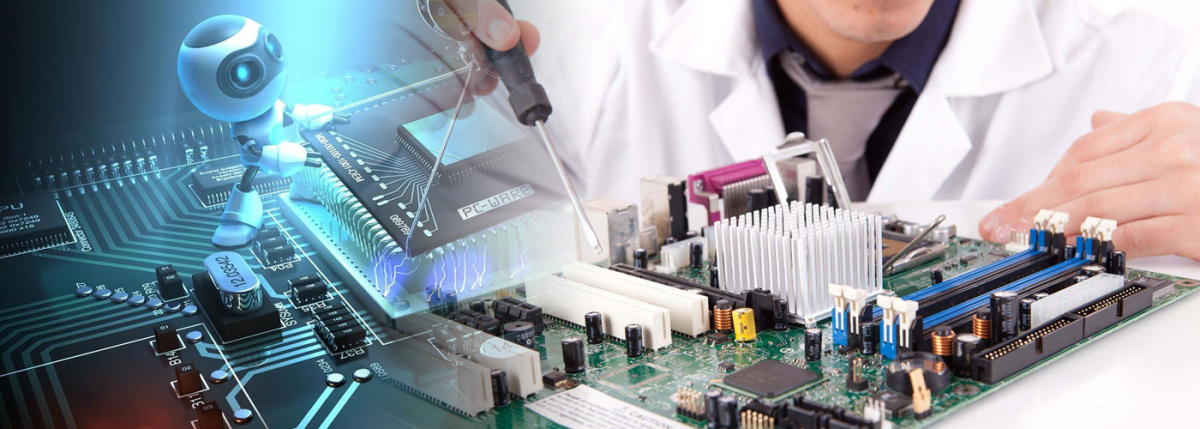
 HARDWARE
Your computer uses RAM to perform functions and operations. More RAM allows your computer to perform more tasks simultaneously and run faster. You can boost performance by installing additional RAM or replacing the existing memory with larger sticks. Easy on desktops, and we handle laptop RAM upgrades too.
Hard drives on most laptops and desktop computers are modular and can be easily swapped for a faster SSD with larger capacity. SSDs dramatically improve boot times, application launch speed, and overall system responsiveness. We clone your existing data to the new drive — no reinstallation needed.
Upgrading to a new DVD burner or Blu-ray drive gives your computer new capabilities. An optical drive is easy to install, and we can even install multiple drives on the same desktop for expanded functionality.
Your processor has a large impact on speed and performance. It's also a serviceable component to replace on compatible systems. Before choosing a new processor, we check the processor socket type on your motherboard to ensure compatibility and validate the expected performance uplift.
Graphics processing units are essential for computers that handle video games, video editing, and 3D rendering. A new GPU can dramatically boost graphical performance, enabling you to play the latest games or use your computer as a high-definition multimedia center.
Our standard services are delivered at your location or drop-off — no downtime for your business.